





Automate and streamline your B2B operations with Katana and Shopify.
Connect Katana and SparkLayer to your Shopify store for effective, optimal wholesaling.


Katana & SparkLayer Integration
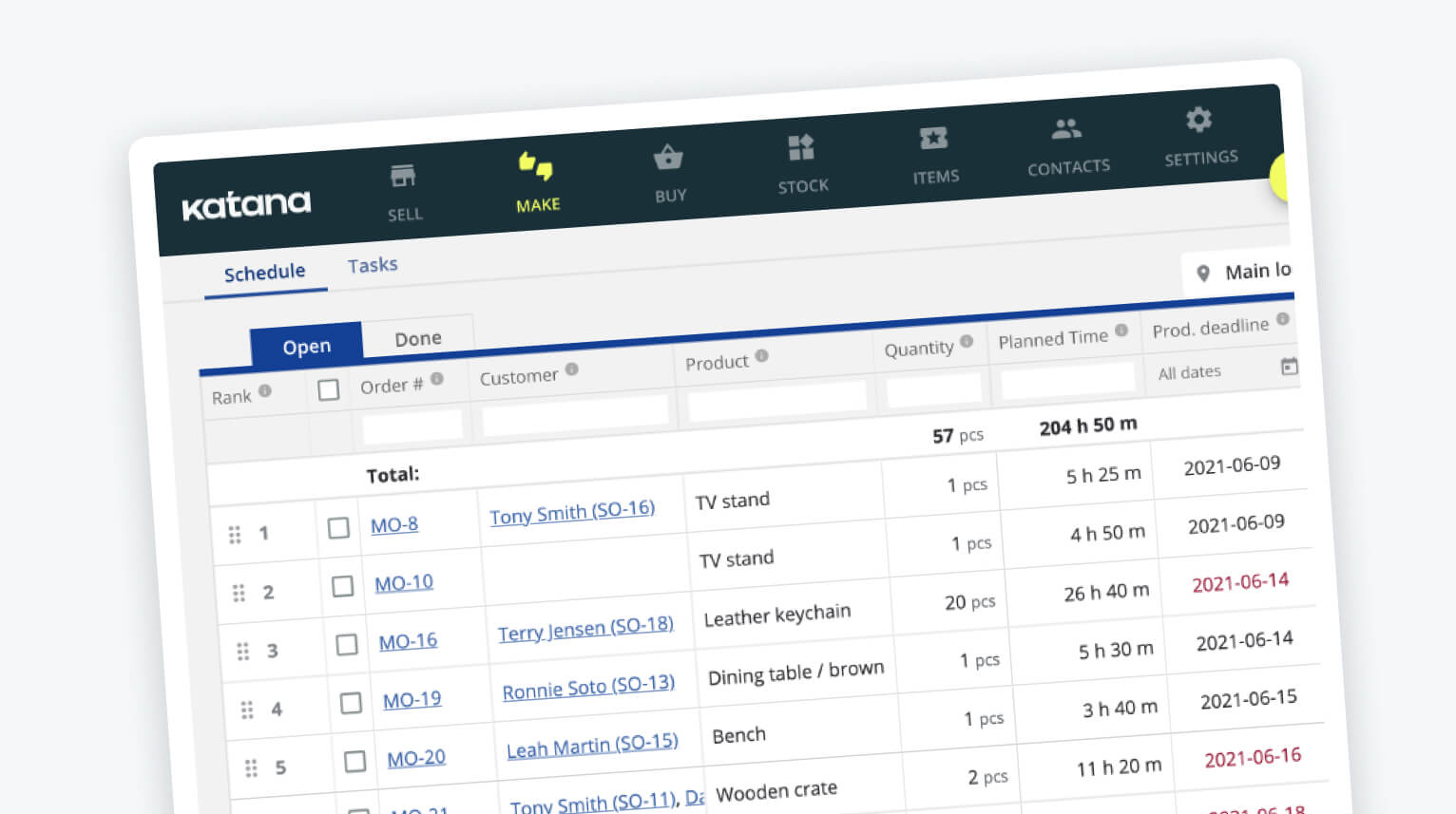
Katana is an inventory management solution that gives you a live look at all the moving parts of your business - sales, inventory, and production.
Thousands of merchants use Katana's software to manage inventory and production in one visual platform. Katana is built to give you the insights you need to make the best business decisions, including live inventory and manufacturing management, batch tracking for end-to-end traceability, a Shop Floor App for total floor-level control, open API, and a growing channel partner network.
You can integrate Katana with Shopify, WooCommerce, Xero, Quickbooks Online, and create custom workflows via Zapier, Make (formerly Integromat), and Katana's open API.
Get a live look at your business.
After successfully setting up your Shopify store with SparkLayer, and once the B2B orders start rolling in, you can integrate Katana and get complete visibility of all your business operations from sales to production. Get all the perks of SparkLayer and the benefits of Katana, including:
- Live inventory management
- Real-time master planning
- Complete shop floor control
- Omnichannel order management
- End-to-end traceability
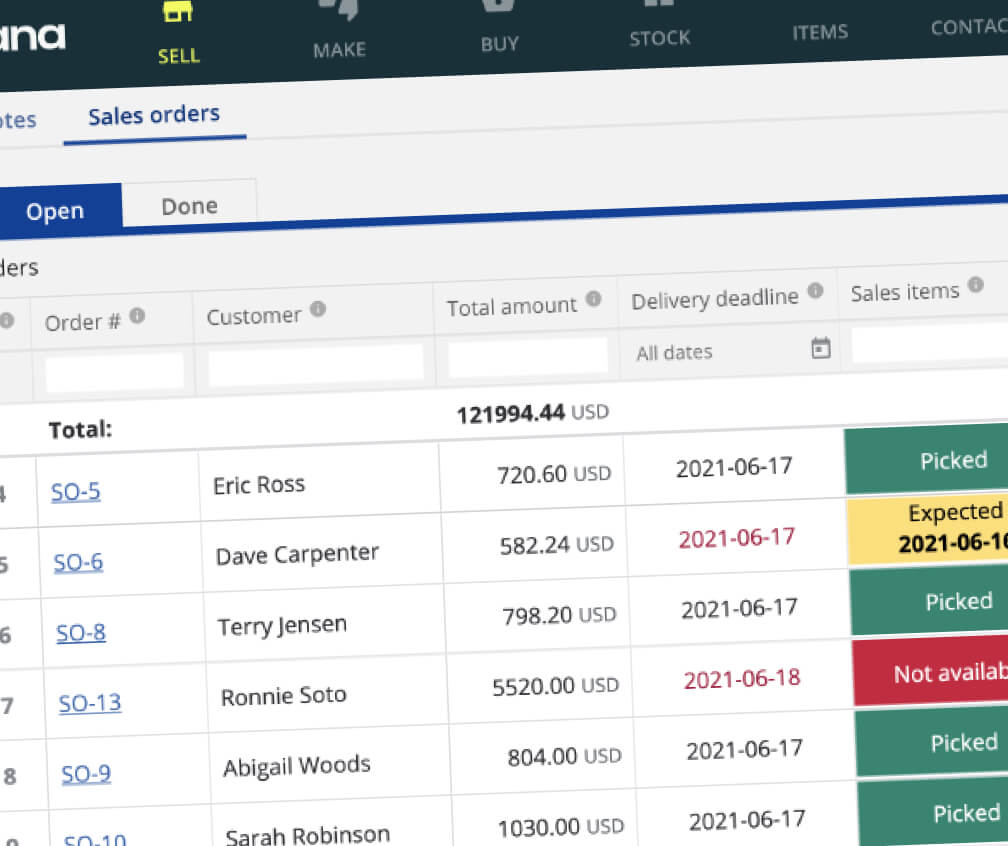
Level up your Shopify B2B experience by integrating with Katana and SparkLayer.
To get started, our expert team will closely work with you to connect your Katana account with SparkLayer, ensuring all your B2B operations are integrated in the way you need. Our integration guide walks through how this process works:
- No coding required
- Use your existing Katana and Shopify integration
- Automatically import your Shopify B2B orders into Katana
- SparkLayer’s team will help set up your B2B wholesale functionality

Frequently asked questions
Which SparkLayer plan do I need to use the Katana integration?
The Katana integration is available on the Professional and Enterprise plans, and works with Shopify stores. You enable it from the SparkLayer Dashboard under Integrations > Partner Integrations, then authorise SparkLayer to access your Katana account.
How does customer data sync between Katana and SparkLayer?
Katana becomes the master of your B2B customer data. Customers are matched by their primary email address, and changes sync one way - from Katana into Shopify and SparkLayer. Names, addresses, phone numbers, company names, discount rates and price list assignments all carry across, and your Katana customer categories map to SparkLayer customer groups.
What happens when I add a new B2B customer in Katana?
New customers assigned to a mapped category automatically sync to Shopify as pending accounts, and receive an invitation email to activate their B2B ordering account.
How does B2B pricing work with Katana?
Price lists are imported into SparkLayer automatically from the pricing rules you set up in Katana - the price list name, ID and currency all carry across. Customers set to a different currency in Katana get automatic price lists with currency conversion.
Are there any limitations to the Katana integration?
The sync is one-way, so changes made directly in Shopify or SparkLayer will not flow back to Katana. A customer's default address maps to both shipping and billing (a Shopify constraint), and pricing deleted in Katana needs to be removed manually in SparkLayer.
More ERP & Operations we connect to. SparkLayer works with 19+ platforms and systems - the same B2B layer, whatever you run.
 Brightpearl→
Brightpearl is an omnichannel retail management system that centralises inventory, order management, POS and CRM.
Brightpearl→
Brightpearl is an omnichannel retail management system that centralises inventory, order management, POS and CRM.
 Cin7 Core→
Cin7 Core (formerly DEAR) is an all-on-one business system, designed for inventory and customer management and more!
Cin7 Core→
Cin7 Core (formerly DEAR) is an all-on-one business system, designed for inventory and customer management and more!
 Linnworks→
Linnworks is an eCommerce platform that helps online retailers automate key processes, reduce costs and grow their business.
Linnworks→
Linnworks is an eCommerce platform that helps online retailers automate key processes, reduce costs and grow their business.
Join 3,500+ brands, distributors, and manufacturers of all sizes.

Easy to use, looks beautiful, and it’s reduced the opportunity for error.


SparkLayer allowed us to grow our business and offer everything we want.




SparkLayer gave us a proper wholesale experience on the store we already had — no rebuild required.

SparkLayer transformed our website into a true wholesale experience for our customers.